Compatibility with:










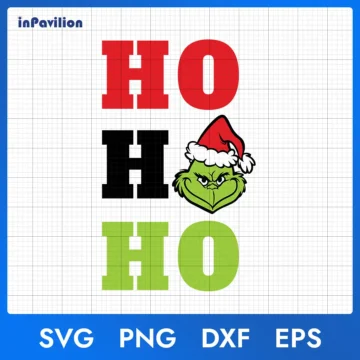
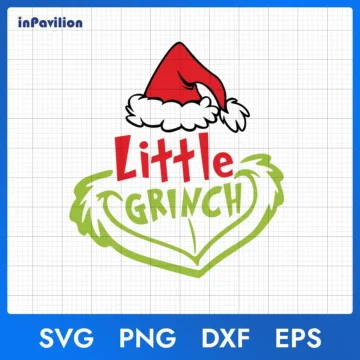
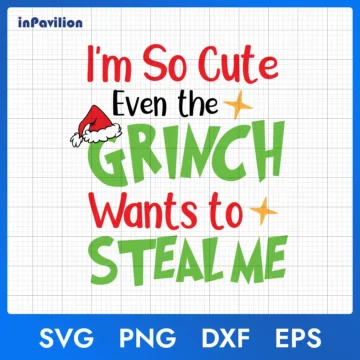
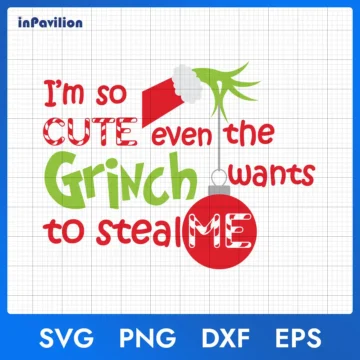
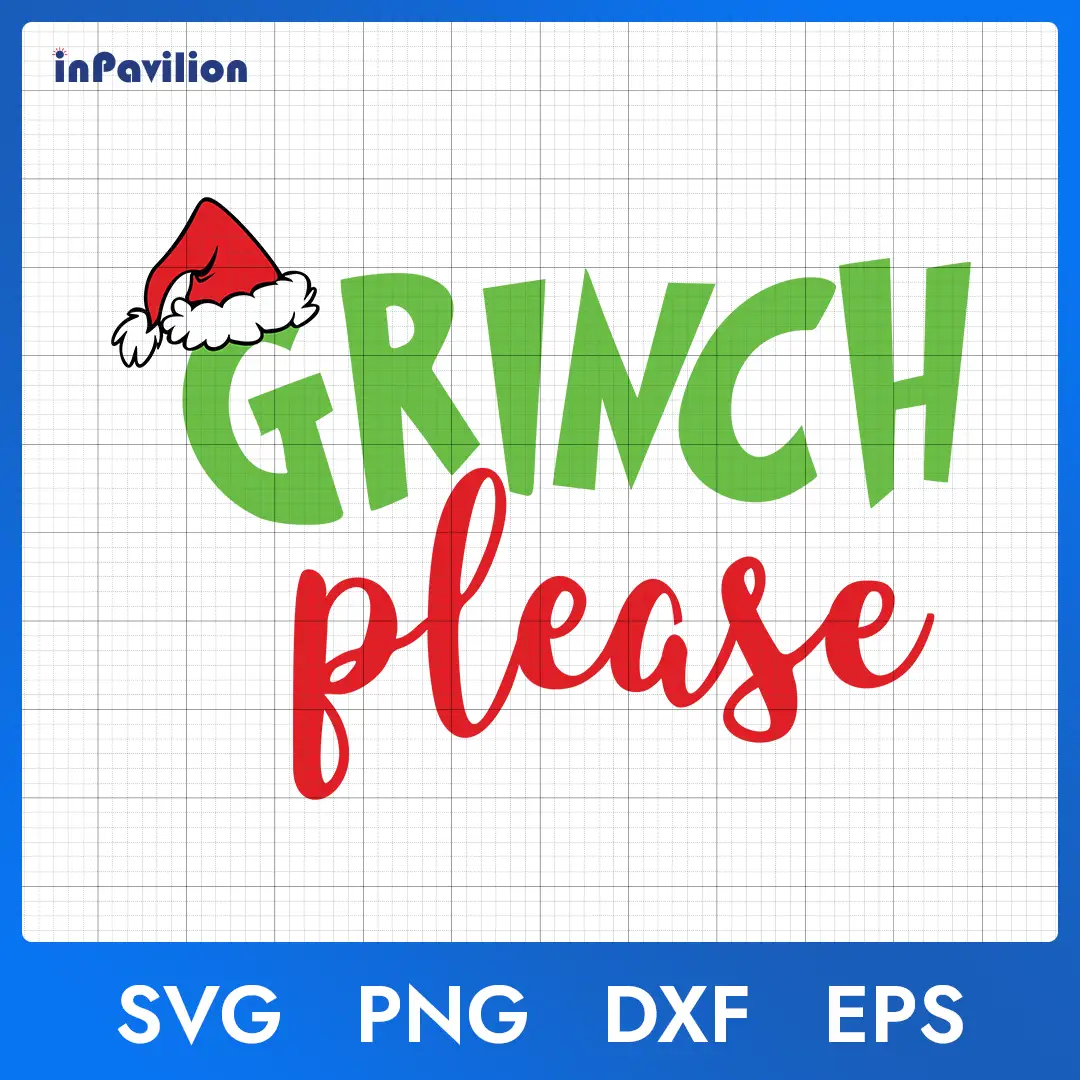
Grinch Please SVG – Grinch Christmas Quote Design Sublimation
Free Files

 Digital Download
 File delivery: 1 file (ZIP)
 Design format: SVG - PNG - EPS - DXF

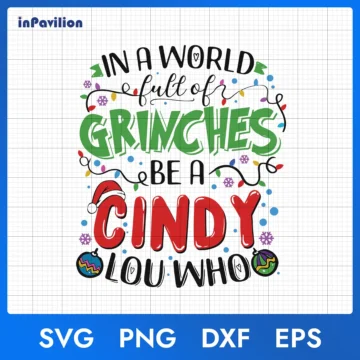
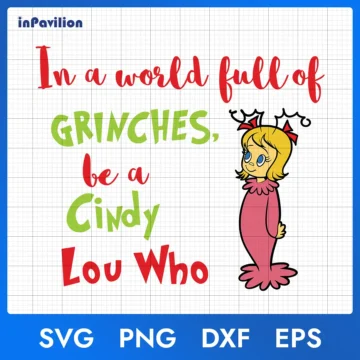
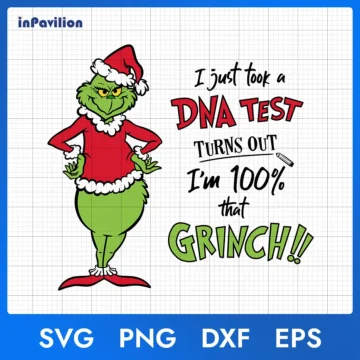
Grinch Please SVG is a high-quality digital design file that includes SVG, PNG, DXF, and EPS formats. The product is provided as a digital download with no physical shipping. The design file is compatible with cutting machines, printers, and commonly used design software, suitable for DIY projects, printing on t-shirts, group shirts, mugs, tumblers, making stickers, or decorating with your favorite holiday themes, and more.
File info
Below are the technical specifications for Grinch Please SVG to help you understand exactly what you’ll receive:
- Total Files: 4 files – All compressed into 1 ZIP file
- Available Formats: SVG, PNG, EPS and DXF
- File Size: Approximately 1.1 MB – Optimized for fast downloads without compromising quality
- Resolution: Resolution: 300 DPI (raster files) with transparent background for crisp, high-quality prints
- Color Modes: RGB & CMYK
- Compatibility: Compatible with Photoshop, Illustrator, Canva, Inkscape, CorelDRAW, Cricut, Silhouette, etc.
- License: Personal and commercial use
- Delivery: Instant download, no physical item
How to download Grinch Please SVG digital files
Once your purchase is complete, you can download your files using either of these two methods:
- Methods 1 – Download via Email Link: Once your payment is confirmed, you’ll receive an email containing a download link. Please make sure you entered the correct email address during checkout to receive your files. If you don’t see the email in your Inbox, check your “Spam” or “Promotions folder”.
- Methods 2 – Download from Your Account: If you created an account during checkout, you can access your purchased files anytime by logging into your account. Go to the “My Orders” section in your dashboard, find your Grinch Please SVG purchase, and click the download button.
If you experience any issues or the download link doesn’t arrive, contact us at [email protected] or chat with our team directly through the website. We’ll respond promptly to ensure you can access your files without delay.
Important notes for Buyers
Please take a moment to review these important details before purchase:
- This is a digital product; no physical item will be shipped.
- Due to the nature of digital files, refunds are not available.
- Colors may vary slightly depending on screen and printer settings.
- Make sure you have the right software to open/unzip the ZIP file
- You may not resell, share, or redistribute the digital file itself. You can, however, use this Grinch Please SVG to create and sell unlimited physical products.
- Ensure your software or machine is compatible with SVG, PNG, DXF, or EPS formats before purchasing.
Thank you for visiting Inpavilion! If you have any questions about our products, file usage, or need support, please contact us at [email protected] or chat directly with us on the website. Our team responds to all inquiries within 24 hours.
Stay connected with us to discover new designs and exclusive offers:
- Facebook: www.facebook.com/inpavilion/
- Pinterest: www.pinterest.com/inpavilion/
- X (Twitter): www.x.com/inpavilion99/